> ## Documentation Index
> Fetch the complete documentation index at: https://reportana.dev/llms.txt
> Use this file to discover all available pages before exploring further.
# For
When we have an array-type variable, such as tracking updates in `tracking_number.events`, we can use `for` to display each item of the array in an organized way.
*For example*, with `for`, we can show each tracking update with details like date, event type, location, and description:
```twig theme={null}
{% for event in tracking_number.events %}
{{ event.date|date("d/m/Y") }}
{{ event.label }}
{{ event.location }}
{{ event.description }}
{% endfor %}
```
**Example output of the code (Using an HTML table and CSS styling):**
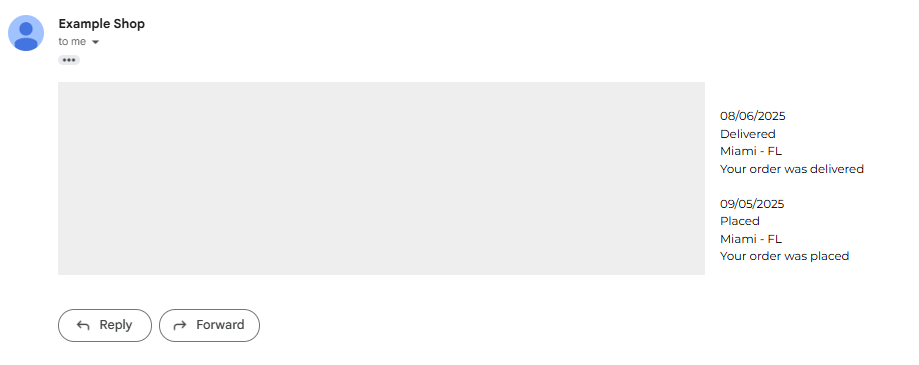 Inside the loop, we use `event.variable` to access each part of the tracking update. This simplified approach allows us to display all tracking updates clearly and organized. It is important to note that you can use *HTML* together with *CSS* to enhance the presentation of iterated information in email messages.